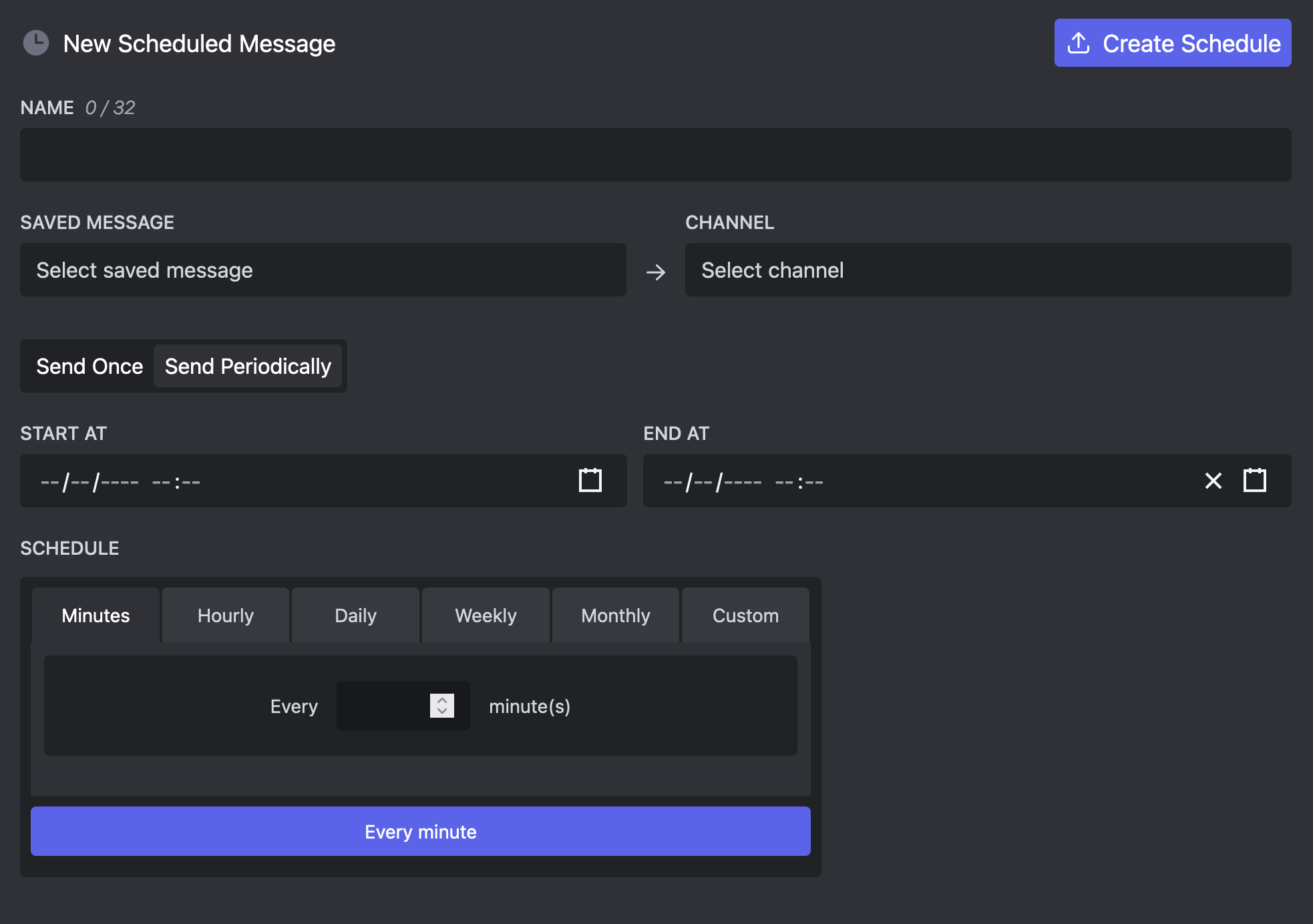
Scheduled Messages
Scheduled Messages let you scheduled messages to be send at a later point. This way you can define an exact point in time where your message will be send.
Send Once
Usually you want your message to be send once at a specific time. Just select the saved message, the target channel, and a time and give your scheduled message a name.
Make sure there are no errors in the selected message, otherwise the message will not be send.
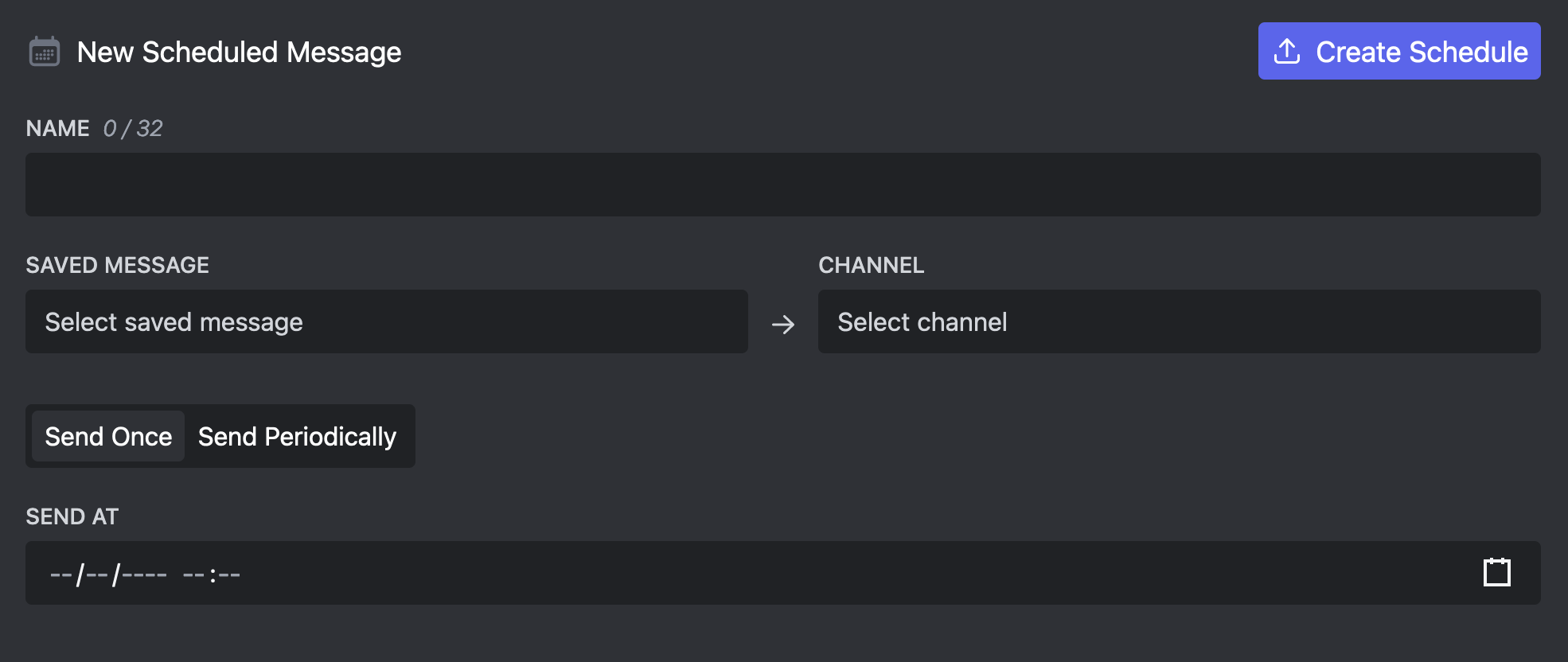
Send Periodically
You can also select messages to be send periodically, so every hour, day or week.
This feature is only available to Embed Generator Premium subscribers.