Save Messages
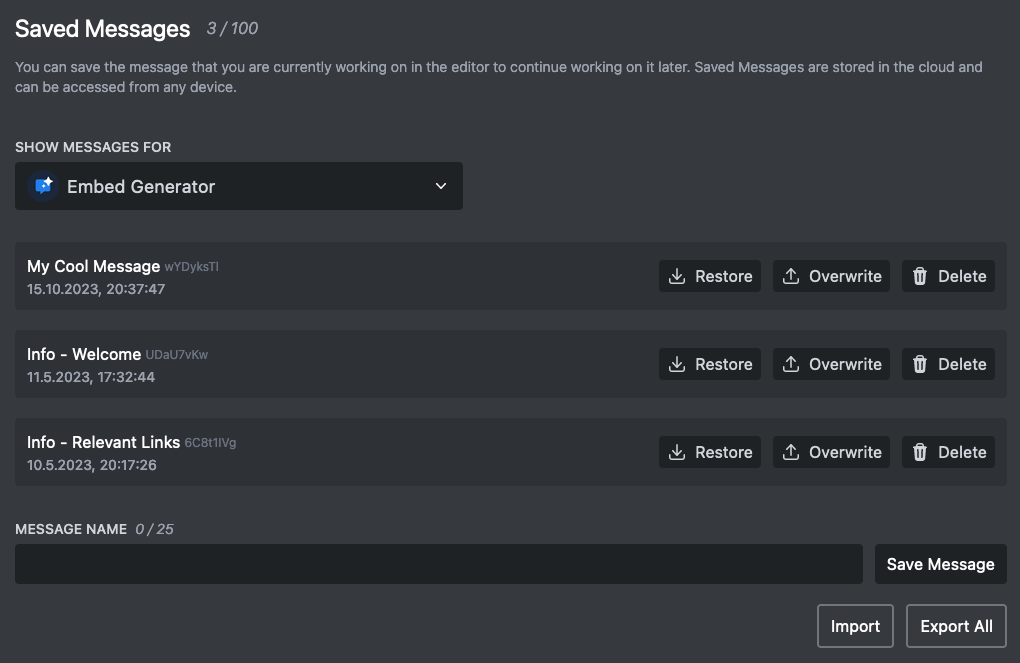
Embed Generator stores your messages in the cloud so you can come back to them from any device. Log in with your Discord account, click Save in the editor, give the message a name, and it shows up under Saved Messages.
You can save a message to your own account or to one of your servers. Messages saved to a server are visible to every admin of that server, which makes it easy to share templates for rules, announcements or event posts with your team.
Saved messages are also what scheduled messages, custom commands and the saved message response of interactive components run on, so anything you want to send more than once should be saved first.
Limits: 25 saved messages for free, 100 with Premium.